


Key takeaways
- A chair mechanism controls how the seat and backrest move; fixed tilt locks the angle, while synchro tilt reclines the backrest and seat together in a set ratio.
- Tilt tension sets how much effort it takes to recline, so match it to your body weight for comfortable, supported movement.
- Seat slide, backrest height and armrest adjustment let you match the chair to your body rather than forcing your body to fit the chair.
- For long desk days, prioritise a reclining mechanism with tension control and seat depth adjustment over a fixed-tilt budget chair.
Office chair mechanisms are the moving parts under the seat that control how your chair tilts, reclines and adjusts to your body. The main types are fixed tilt, synchro tilt, knee tilt and multi-function tilt, each paired with controls like tilt tension, seat slide and backrest height. This guide explains them in plain language, shows which adjustments matter for different tasks, and gives you clear setup steps.
Most chair descriptions list these features without saying what they do. That makes it hard to compare two chairs, or to know if you are paying for adjustments you will never use. We sell a wide range of office seating, so we see this confusion often. Below we break down each mechanism, match it to the way you actually work, and help you set your chair up correctly once it arrives.
What Does an Office Chair Mechanism Actually Do?
The mechanism is the housing between the seat and the gas lift that lets the chair move. It decides whether your chair stays locked at one angle, reclines smoothly, or allows the seat and backrest to move in separate ways. It also holds the controls for tension and locking.
Think of it as the engine of the chair. Two chairs can look identical from the outside, yet feel completely different because one has a basic fixed plate and the other has a synchronised reclining mechanism. The mechanism is often the single biggest reason for a price gap between two similar-looking chairs.
When you read a product spec, the mechanism tells you how much postural variety the chair allows. That matters because sitting still in one position for hours is tiring. Good occupational health guidance encourages changing posture through the day rather than holding one "perfect" pose. The Canadian Centre for Occupational Health and Safety notes there is no single correct sitting position, and that regular movement matters more than one fixed posture (CCOHS). A mechanism that lets you move supports that advice.

Fixed Tilt Explained in Plain Language
Fixed tilt, sometimes called static tilt, locks the seat and backrest at one set angle. The chair does not recline. You adjust the height with the gas lift, but the seat-to-back angle stays the same whether you lean forward to type or sit upright.
This is the simplest and cheapest mechanism. You will find it on budget task chairs, visitor chairs and many stacker and banquet chairs. There is nothing wrong with fixed tilt for the right job. A visitor who sits for twenty minutes does not need a reclining chair, and a stackable chair needs to stay simple and light.
The limit shows up over a long day. If you sit for several hours, a fixed angle gives you no way to shift your weight or open your hip angle by leaning back. For full-time desk work, most people want at least some recline. For short tasks, meetings and overflow seating, fixed tilt keeps the price down and the chair reliable.
What Is Synchro Tilt and Why Does It Matter?
Synchro tilt, also called synchronous tilt, reclines the backrest and the seat together in a fixed ratio. As you lean back, the backrest moves further than the seat, usually in something like a 2:1 or 3:1 ratio. This keeps the angle between your thighs and torso open while you recline.
That open angle is the point of the mechanism. When a cheap chair reclines, the whole seat tips back with the backrest, which can lift your feet and close your hip angle. Synchro tilt keeps the seat closer to level while the back opens up, so your feet stay planted and your posture stays supported through the recline.
The furniture industry standard BIFMA X10.1 describes a backrest that reclines from upright to at least 115 degrees while keeping the torso-to-thigh angle no less than 90 degrees. Synchro tilt is the common way chairs achieve this balance of movement and support. For anyone sitting most of the working day, synchro tilt is usually the feature worth paying for.
Knee Tilt and Multi-Function Tilt
Knee tilt and multi-function tilt are two steps up from a basic reclining mechanism. Knee tilt moves the pivot point towards the front of the seat, near your knees. Multi-function tilt lets you adjust the seat angle and backrest angle separately, often with several lock positions.
Knee tilt matters because of where the chair bends. With the pivot near the front, the backrest reclines while the front edge of the seat stays steady, so your feet keep contact with the floor. It gives a smoother, less "tipped back" feeling than a centre-pivot tilt, which is why it is common on higher-end executive chairs.
Multi-function tilt gives the most control. You can lock the backrest at your chosen angle, tilt the seat forward for close desk work, or free-float the recline. This suits people who switch between tasks: focused typing, reading, phone calls and short breaks. It adds cost and complexity, so it earns its place for heavy daily users rather than occasional sitters. If you want a quieter, simpler setup, a good synchro tilt still covers most needs.
The Gas Lift and Base Are Not the Mechanism
People often lump the gas lift and base in with the tilt mechanism, but they are separate parts that do separate jobs. The mechanism controls recline and tilt. The gas lift raises and lowers the seat. The base is the five-star foot that holds the castors and keeps the chair stable.
This matters when you compare chairs or diagnose a problem. A chair that slowly sinks has a worn gas lift, not a faulty tilt mechanism, and the lift can usually be replaced on its own. A chair that wobbles has a base or castor issue. Knowing which part is which saves you from replacing a whole chair when one component is the real fault.
Gas lifts are often rated by class, and heavier users should check that a chair's lift and mechanism suit their weight. A base can be nylon or metal; metal bases cost more but take heavier loads and last longer in demanding settings like warehouses and call centres. When you buy in bulk, ask about the base material and whether spare gas lifts and castors are available, because easy spares keep a chair in service for years.
Durability and Warranty for Bulk Buyers
For procurement and facilities teams, the mechanism is also a durability question. A reclining mechanism has moving parts, springs and a tension screw, and these are the components most likely to fail with heavy daily use. The more a chair moves, the more its mechanism needs to be built to last.
Match the mechanism to the shift length. A chair used for one eight-hour shift faces different wear than one used around the clock in a 24-hour operation. For continuous-use settings, look for chairs rated for extended daily use and confirm the warranty covers the mechanism specifically, not only the frame or upholstery. Warranty terms vary by product, so always check the detail on the product page rather than assuming a blanket cover.
Standardising on fewer mechanism types across a site also helps. If most desks use the same synchro-tilt chair, your team learns one set of adjustments, spares are interchangeable, and training a new starter on their chair takes a minute. Send us your requirements and we will confirm current specifications, warranty terms, lead times and delivery for your order.
Tilt Tension: The Control People Ignore
Tilt tension sets how much effort it takes to recline the backrest. It is usually a knob or winder under the front of the seat. Turn it one way and the chair resists your weight more; turn it the other way and it reclines with a light push. It does not change the angle, only the resistance.
This is the control people most often leave untouched, and it ruins the feel of an otherwise good chair. Set too tight, a lighter person cannot lean back at all. Set too loose, a heavier person is thrown backwards the moment they relax. Matching tension to your body weight is what makes a reclining mechanism feel right.
A simple test: sit back and relax your muscles. If the chair tips back too fast, add tension. If you have to strain to recline, release tension. Aim for the point where the backrest holds you upright at rest but gives smoothly when you lean. Spend two minutes on this when your chair arrives and the difference is obvious.
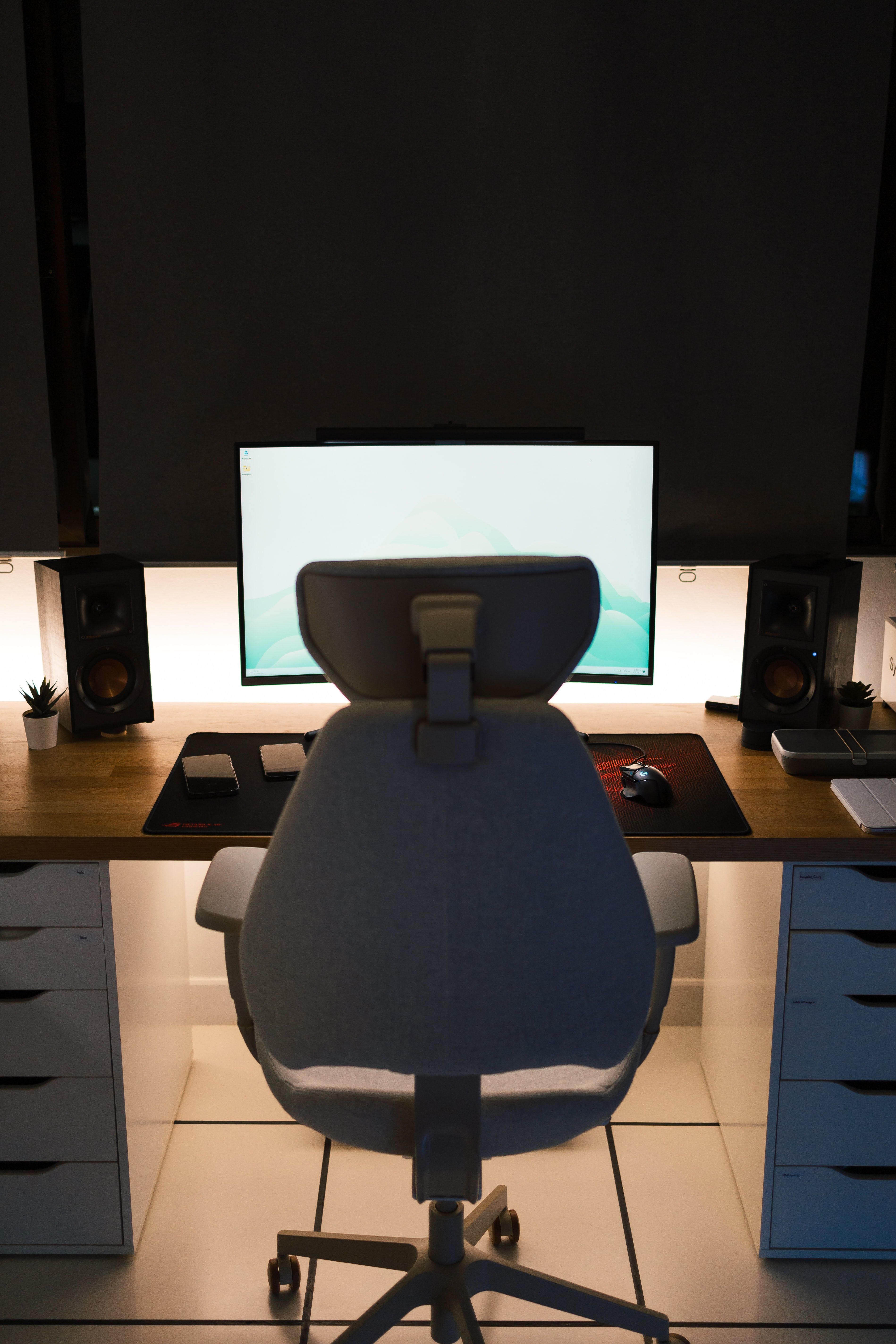
Seat Slide, Backrest Height and Armrest Adjustment
Beyond tilt, three adjustments shape daily comfort: seat slide for depth, backrest height for lumbar support, and armrest adjustment for your shoulders. These let you match the chair to your body instead of forcing your body to fit the chair.
Seat slide moves the seat pan forward or back so you can set the depth to your leg length. Guidance from the Canadian Centre for Occupational Health and Safety suggests keeping a gap about the width of three fingers between the back of your knee and the front edge of the seat. Too deep and the edge presses behind your knees; too shallow and your thighs lose support.
Backrest height moves the lumbar curve of the backrest up or down to sit in the small of your back. US occupational health guidance recommends a backrest that follows the natural curve of the spine and gives proper lumbar support (OSHA). Armrest adjustment then sets your arms so your shoulders stay relaxed and your forearms rest near level.
Which Adjustments Matter for Which Task?
Not every job needs every adjustment. A reception chair, a classroom chair and a full-time workstation have different demands, so paying for features you will not use wastes money. Match the mechanism to the task and the room.
For full-day desk and computer work, prioritise height, a reclining mechanism with tension control, seat depth and backrest height. These carry the hours. For executive offices where the user sits long periods and wants a premium feel, knee tilt or multi-function tilt and adjustable armrests add real value. For reception and hospitality seating, comfort and durability matter more than recline, since guests sit briefly.
For classrooms and training centres, simplicity and strength win. Fixed or basic tilt chairs cost less, take knocks and are easy to replace in bulk. For warehouses and labs, height-adjustable stools or draughtsman chairs with a footring suit tall benches. Buying for a whole room or a team? Our office furniture checklist for a 5, 10 or 20 person team helps you plan quantities and mixes.
Comparing Office Chair Mechanisms: A Quick Reference
Here is how the common mechanisms compare for recline, control and typical use. Use it to read product specs with more confidence and to decide how much mechanism you actually need.
| Mechanism | Recline | Key control | Best suited to |
|---|---|---|---|
| Fixed / static tilt | None | Height only | Visitor, stacker, short-task and overflow seating |
| Basic tilt | Limited, seat and back together | Tension, tilt lock | Light daily use, budget task chairs |
| Synchro tilt | Backrest and seat in set ratio | Tension, multi-position lock | Most full-day desk work |
| Knee tilt | Front-pivot recline | Tension, lock | Executive and premium long-use chairs |
| Multi-function tilt | Independent seat and back angles | Separate seat and back locks | Heavy daily users, mixed tasks |
A few notes when comparing. A longer feature list is not always better; a reliable synchro tilt beats a complicated mechanism you never adjust. Check that the chair lists tension adjustment, since recline without it rarely feels right. Where a spec only says "tilt," ask whether it is fixed or reclining before you buy. Prices on our chair pages are shown in rand; always confirm the current price, VAT status and lead time on the product page itself, as these can change.
Mechanisms by Chair Type: Draughtsman, Stacker and Operator
Different chair categories carry different mechanisms by design, so the type you choose often decides the movement you get. Knowing the norm for each type stops you from expecting recline where there is none, or paying for a mechanism the category rarely includes.
Draughtsman chairs sit high for tall benches and counters, and add a footring because your feet cannot reach the floor. Many use a simple gas lift with basic tilt, since the priority is height and a stable footrest rather than deep recline. These suit labs, reception counters, workshops and standing-height desks.
Operator and typist chairs are the everyday workhorses of the office. They commonly use basic or synchro tilt with height adjustment, built for full shifts at a desk without the cost of executive extras. Stacker and banquet chairs, by contrast, are usually fixed with no mechanism at all, because they must stack, store and move easily for events and overflow seating. Executive chairs sit at the other end, often pairing knee tilt or multi-function tilt with padded arms and a higher back. Browse the full office chair range to see how each type is specified.
How to Set Up Your Chair Step by Step
Setting up a new chair takes about five minutes and changes how it feels for years. Work from the ground up: height first, then depth, then back and arms. Doing it in this order stops later adjustments from undoing earlier ones.
- Set the seat height. Sit back fully and adjust the gas lift until your feet rest flat on the floor and your thighs are roughly level. CCOHS guidance points to keeping hips, knees and ankles at about 90 degrees or slightly more. If your feet dangle, lower the seat or add a footrest.
- Set the seat depth. Slide the seat so there is roughly a three-finger gap between the seat edge and the back of your knees.
- Set the backrest height. Move the lumbar support into the curve of your lower back.
- Set the tilt tension. Relax and lean back, then turn the tension until the recline feels controlled, neither stiff nor loose.
- Set the armrests. Adjust them so your shoulders stay relaxed and your forearms rest near level while you type.
Revisit these settings after a week. Your first guess is rarely your final one, and small changes often make the biggest difference. If you work from home, our ergonomic home office setup guide covers the desk and screen around the chair.
Common Mistakes When Choosing a Mechanism
The most common mistakes are paying for recline features on chairs used only briefly, and buying fixed-tilt chairs for full-day desk work. Both come from reading a feature name without knowing what it does, which this guide aims to fix.
Another mistake is ignoring tilt tension entirely. People buy a reclining chair, never adjust the tension, decide the recline feels wrong, and blame the chair. A two-minute adjustment usually solves it. A related error is assuming more locks and levers always mean more comfort. Many users are happier with a well-set synchro tilt than a multi-function chair they never learn to use.
In bulk orders, a frequent slip is specifying one mechanism for every role. A reception, an open-plan desk and a boardroom have different needs. Mixing fixed-tilt visitor chairs with synchro-tilt task chairs usually serves a workplace better, and costs less, than putting premium mechanisms everywhere. Send us a product list or room brief and we will help match mechanisms to each space, with a formal quotation and dependable countrywide delivery.
Frequently asked questions
What is the difference between fixed tilt and synchro tilt?
Fixed tilt locks the seat and backrest at one set angle, so the chair does not recline. Synchro tilt lets the backrest and seat recline together in a fixed ratio, usually with the backrest moving further than the seat, which supports posture changes through the day.
What does tilt tension adjustment do?
Tilt tension controls the force needed to recline. Turn it up and the backrest resists more, which suits heavier users. Turn it down and the chair reclines with less effort, which suits lighter users. Set it so you can lean back comfortably without the chair tipping too easily.
Which chair adjustments matter most for desk work?
Seat height, a reclining mechanism with tension control, seat depth and backrest height usually matter most for full-day desk work. Armrest adjustment helps relieve shoulder and neck load. Fixed-tilt chairs can suit short tasks or occasional seating where recline is not needed.
Do I need a synchro tilt chair for a home office?
A synchro tilt chair suits most home-office workers who sit for several hours, because it encourages movement and keeps the thigh-to-torso angle open while reclining. For light or occasional use, a simpler mechanism with height and basic tilt may be enough.